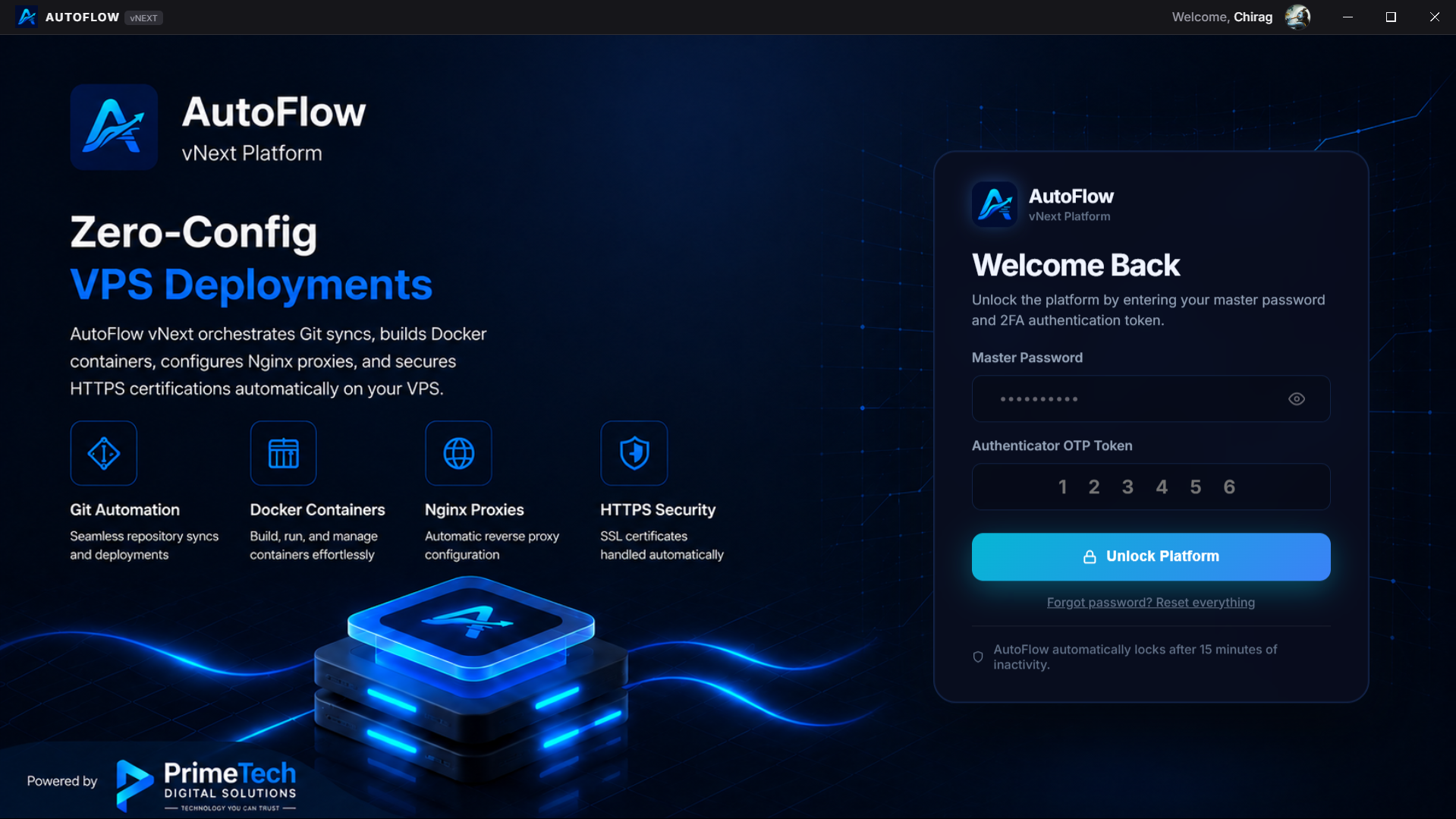
AutoFlow takes your code and deploys it to your own servers. No vendor lock-in. No leaked keys. Just you, your infrastructure, and total control.
Keys never leave your machine
Auto-detect, auto-setup, auto-deploy
Old container stays live until new one is healthy
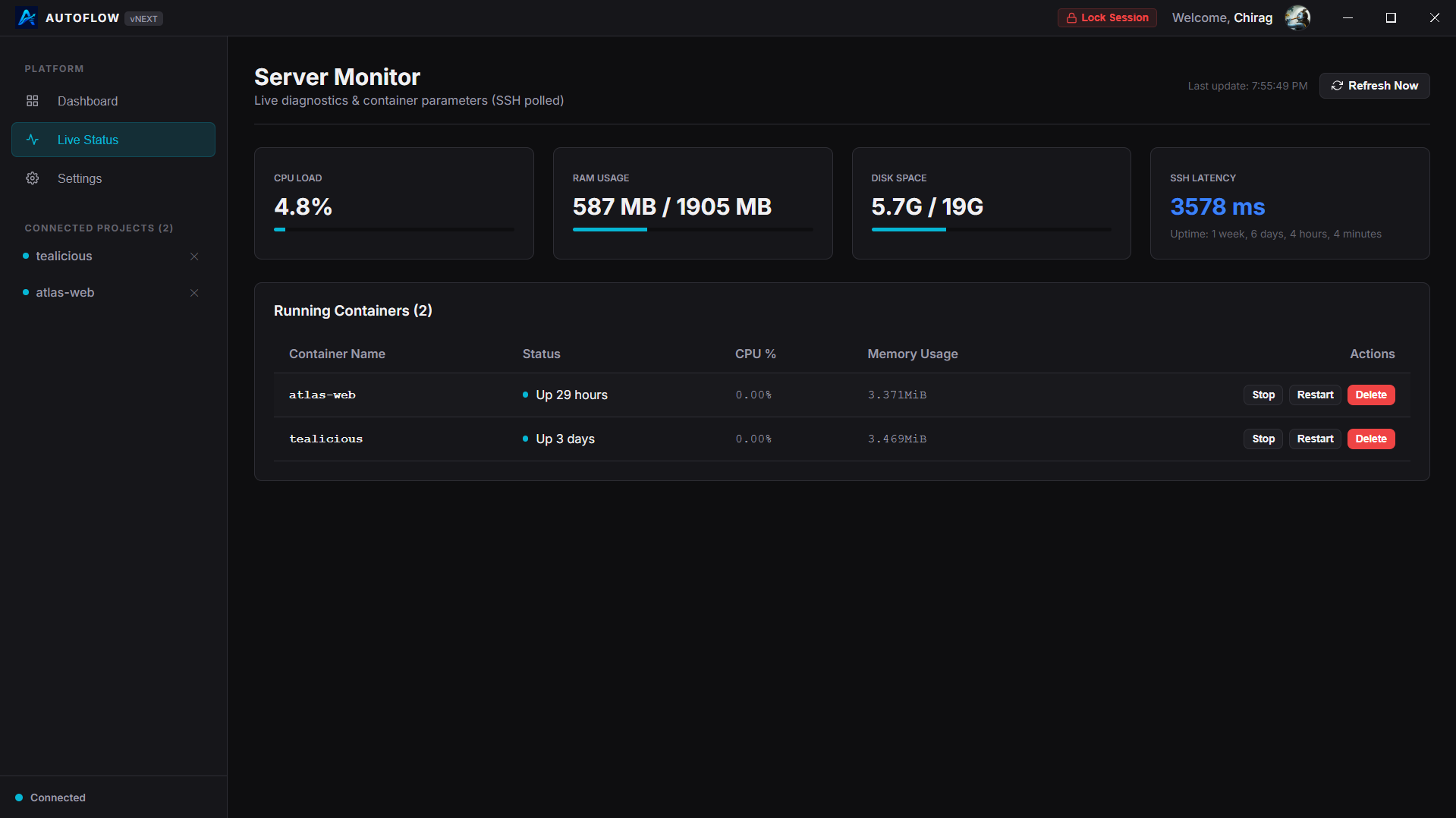
Scattered SSH keys, manual VPS provisioning, sprawling Docker configurations, and the constant fear of breaking production. Current deployment tools lock you into expensive platforms or force you to maintain brittle shell scripts.
No cloud dependencies. Your deployment configurations live with your codebase.
AutoFlow detects your framework and generates the optimal deployment strategy.
Rolling updates and automatic traffic routing ensure your application never drops a request.
End-to-end encrypted secrets management. Never paste an environment variable in plaintext again.
Zero-touch TLS certificate provisioning and renewal via Let's Encrypt.
Seamless container lifecycle management without touching compose files.
Revert to any previous release in milliseconds with a single command.
Stream real-time build and container logs directly to your dashboard.
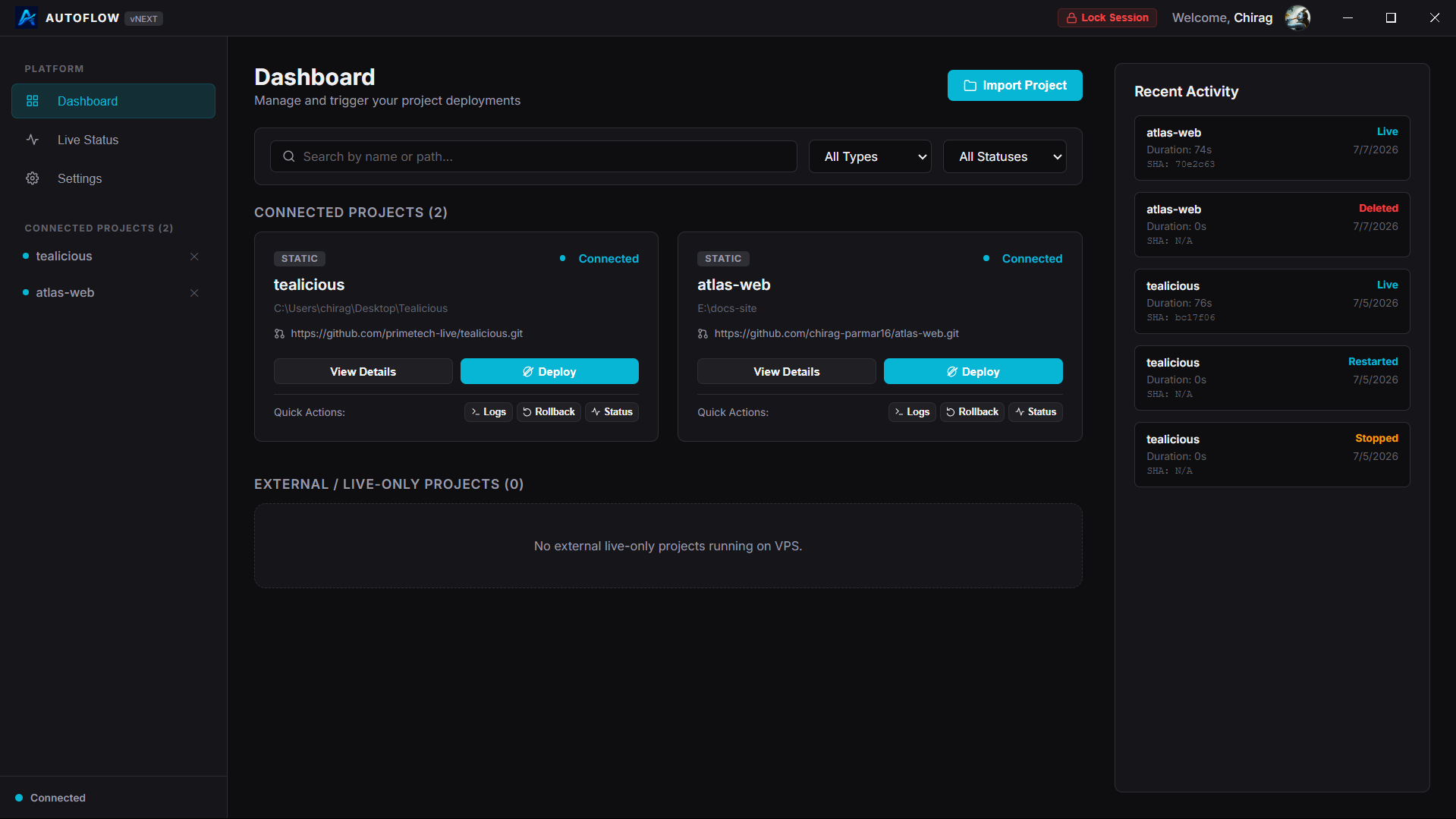
All SSH keys, deployment tokens, and environment variables are heavily encrypted (AES-256-GCM) and stored locally on your hard drive. There is no central point of failure. Your credentials are never exposed to the public internet or stored on third-party servers. You own your infrastructure absolutely.
 Node.js
 Go
Go
 Java
Java
 Rails
Rails
 Ruby
Ruby
 Django
 Flask
Flask
 Python
 Laravel
 PHP
PHP
 Next.js
 Nuxt.js
 Vue
Vue
 Vite
Vite
 React
React
 Angular
 Static HTML
 Docker
 Nginx
Nginx
The CLI is bundled with the Desktop application. No Node.js, no npm, zero setup required. Install the app, and you're ready to deploy from any terminal.
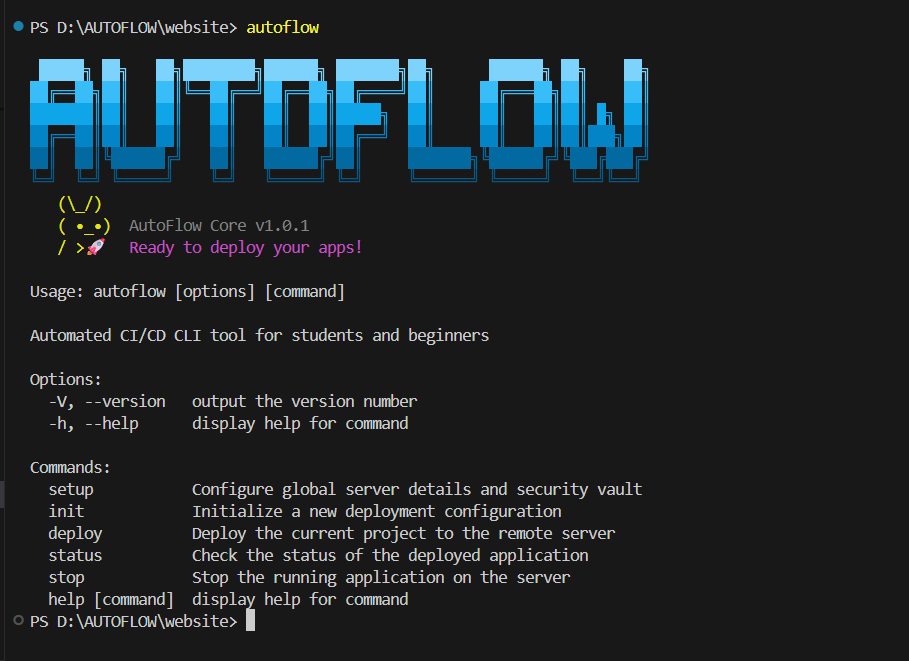
No. AutoFlow communicates exclusively via SSH, just like you would. There is no proprietary agent running on your hardware.
Yes. If you have root SSH access to an Ubuntu/Debian machine, AutoFlow can provision and deploy to it. DigitalOcean, Hetzner, AWS, Linode, and others are all supported.
Download the desktop application for your platform.
Explore the documentation, learn about zero-downtime routing, or check out the code.